
Table of Contents
If you’ve ever taken an online exam and noticed your webcam light blinking, there’s a good chance AI proctoring was involved. At its core, AI proctoring is software that watches over online exams the way a human invigilator would in a physical exam hall — except it can do it for thousands of people at once, from anywhere in the world.
It uses a combination of computer vision, machine learning, and behavioral analysis to keep an eye on what candidates are doing during a test. Think of it as a very attentive digital supervisor that never blinks, never gets tired, and notices things most humans would miss.
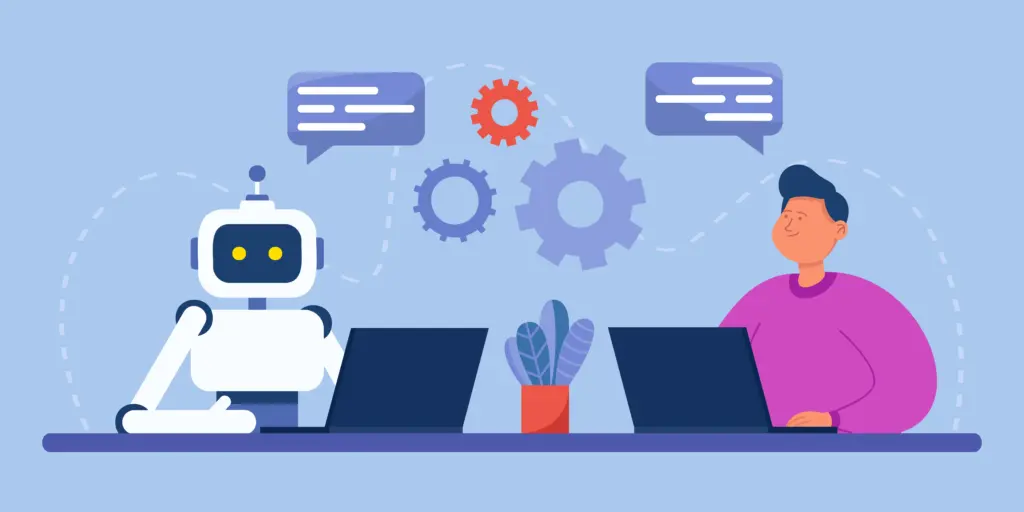
Why It’s Become Such a Big Deal in 2026
Online learning didn’t just grow — it exploded. Universities moved courses online, companies started running remote assessments, and professional certification bodies had to adapt quickly. The convenience was great, but it opened a pretty obvious question: how do you stop people from cheating when there’s no one physically in the room?
That’s the gap AI proctoring fills. Beyond just catching cheating, it levels the playing field. Every candidate faces the same monitoring conditions, which makes the results more trustworthy. It also saves institutions a lot of money — no exam halls to rent, no large teams of invigilators to hire.
And from a student’s perspective? You can sit your exam from your bedroom in Chennai or your apartment in Toronto. That kind of flexibility genuinely changes who gets access to education and opportunity.
How It Actually Works
AI proctoring isn’t one single technology—it’s several working together behind the scenes.
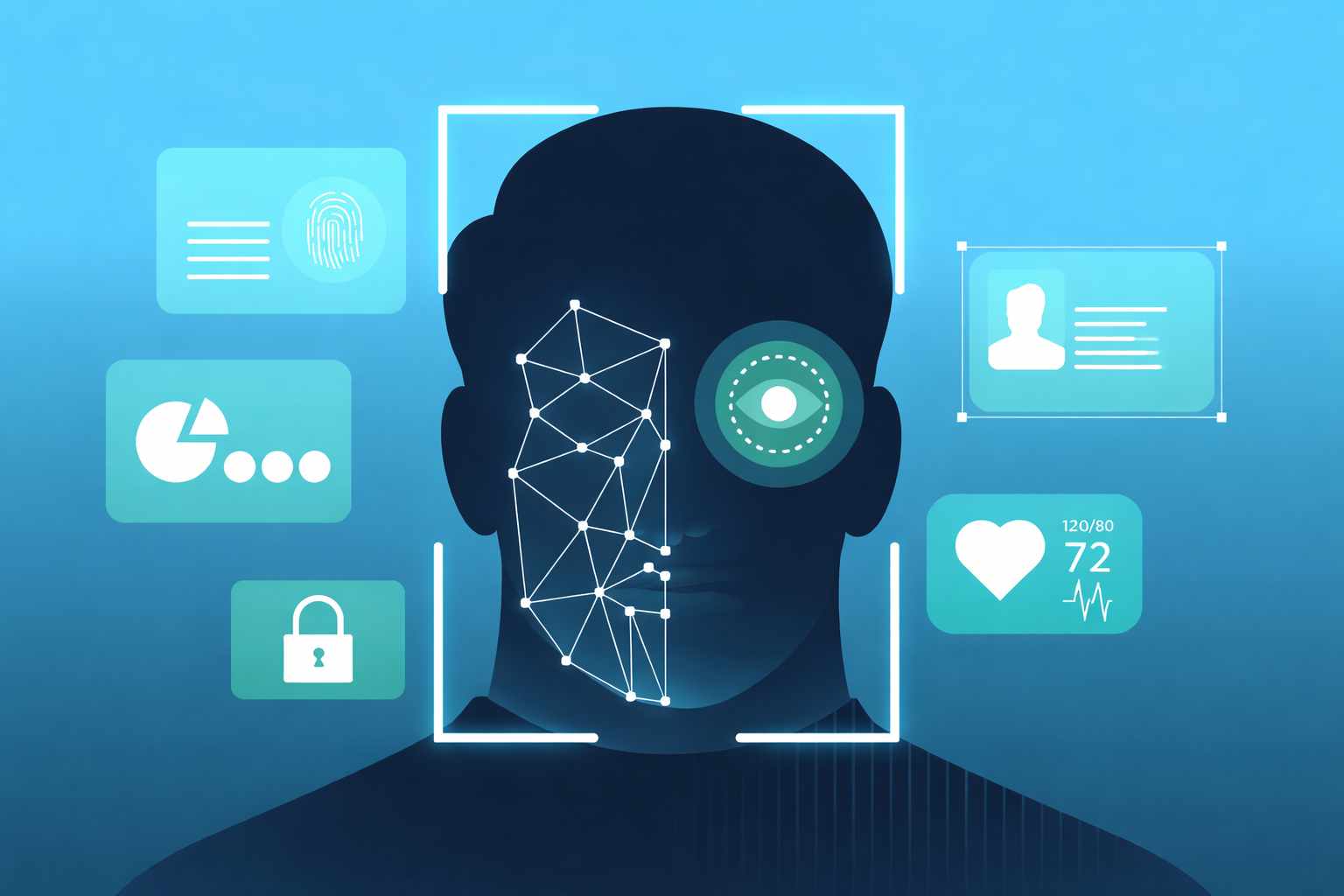
- Face detection and identity verification happen first. Before the exam even starts, the system confirms you are who you say you are by comparing your face to a registered photo. During the exam, it keeps tracking your head movements and where your eyes are looking. Constantly glancing off-screen? That’ll get flagged.
- Browser monitoring keeps tabs on what’s happening on your screen. Trying to open a new tab, use a search engine, or share your screen? The system catches it. Many platforms go further and completely lock down the browser so you simply can’t navigate away.
- Environment scanning uses your webcam to look at the room around you. If another person walks into frame, or the system spots a phone on your desk, it raises an alert.
All of these run simultaneously, quietly, in the background.
The Different Types of AI Proctoring
Not all proctoring works the same way, and the right approach depends on what an institution needs.
- Live proctoring puts a real human proctor in the loop—they watch your feed in real time while AI highlights anything suspicious. It’s thorough, but resource-intensive.
- Recorded proctoring captures the entire session and lets reviewers go through flagged moments afterward. It’s more practical at scale and works well for exams where instant intervention isn’t necessary.
- Fully automated proctoring cuts humans out of the equation entirely. The AI monitors, flags, and generates reports on its own. This is the most widely used approach today, simply because of how well it scales.
What These Systems Can Actually Do
Modern proctoring platforms have come a long way. A solid system today typically includes facial recognition, eye tracking, noise and voice detection, screen recording, real-time anomaly alerts, and full browser lockdown. Some advanced platforms are also starting to analyze behavioral patterns — things like unusual typing rhythms or long pauses — as additional signals.
The Real Benefits (Without the Marketing Fluff)
The scalability is genuinely impressive. One platform can handle tens of thousands of simultaneous test-takers in a way that would be physically impossible with human invigilators.
The cost savings are real too. Running a large exam traditionally means booking venues, training staff, printing materials, and coordinating logistics. AI proctoring strips most of that away.
For candidates, the accessibility matters. Someone in a rural area or a different country no longer has to travel hours to reach an exam center.
And the monitoring itself is often more consistent than human invigilation. A tired human proctor at hour three of a long exam is going to miss things that an AI won’t.
Where It Falls Short
It’s worth being honest about the downsides, because they’re real.
Privacy is the biggest one. Recording someone’s face, voice, and home environment is sensitive. Not everyone is comfortable with it, and the discomfort isn’t unreasonable. Institutions have a genuine responsibility to be transparent about what data is collected, how long it’s stored, and who has access to it.
False positives are also a legitimate issue. AI systems sometimes flag innocent behavior—a candidate who happens to look away often, or someone whose internet cuts out briefly. These flags can cause unnecessary stress and, in some cases, unfair consequences if not properly reviewed.
There’s also the basic problem of internet dependency. In parts of the world where connectivity is unreliable, AI proctoring creates an uneven experience.
AI Proctoring vs. Traditional Proctoring
| AI Proctoring | Traditional Proctoring | |
|---|---|---|
| Scale | Handles thousands at once | Limited by physical space |
| Cost | Significantly lower | High (venues, staff, logistics) |
| Reach | Anywhere with internet | Location-dependent |
| Consistency | Uniform across all candidates | Varies by invigilator |
| Privacy | More data collected | Less invasive |
Neither is perfect. The best choice depends on the exam’s stakes, the institution’s resources, and the candidates being served.
Who’s Actually Using It
The use cases are broader than most people realize. Universities use it for everything from undergraduate finals to postgraduate entrance exams. Corporates run onboarding assessments and internal certifications through it. Bodies like CompTIA, AWS, and various medical licensing boards rely on it for professional credentials. Even some government recruitment processes have adopted it.
Anywhere the integrity of an assessment matters and physical supervision isn’t practical, AI proctoring tends to show up.
The Privacy Question — and Why It Deserves Serious Attention
This part often gets glossed over in product brochures, but it shouldn’t. When an AI proctoring system is running, it’s collecting a significant amount of personal data — your face, your voice, footage of your home, your browsing behavior. That’s a lot.
Responsible platforms are upfront about this. They tell candidates what’s being collected before the exam starts, explain how long data is retained, and comply with regulations like GDPR. If a platform can’t answer those questions clearly, that’s a red flag.
The ethical use of AI in high-stakes assessments is something the industry is still actively working through. It matters, and candidates are right to ask questions about it.
Choosing the Right Platform
If you’re an institution evaluating options, a few things are worth prioritizing: How robust is the security? How easy is it for candidates to set up without technical support? Does it integrate with your existing learning management system? What does pricing look like at your scale? And critically, what happens when something goes wrong during an exam, and how responsive is their support?
The technology is only as good as the experience it creates for the person sitting the exam.
Where This Is All Heading
The next wave of improvements is focused on making systems smarter and less invasive at the same time. Behavioral analytics are getting more sophisticated, meaning systems will be better at distinguishing genuine cheating from innocent behavior. Integration with learning platforms is getting tighter. And there’s growing pressure — rightfully so — to build privacy-first approaches that don’t require candidates to compromise more than necessary.
The goal isn’t surveillance for its own sake. It’s making online assessments trustworthy enough that a qualification earned remotely carries the same weight as one earned in a traditional exam hall. That’s still a work in progress, but it’s getting closer.
Quick FAQs
Is AI proctoring actually safe?
Generally yes, provided the platform follows proper data protection regulations. Always check before you sit an exam.
Can it really detect cheating?
It’s quite good at catching obvious violations—extra people in frame, screen switching, and looking away repeatedly. It’s less reliable with subtler forms of cheating.
Does it record you?
Yes. Video, audio, and screen activity are typically all captured.
What if I get flagged unfairly?
Most institutions have a review process where a human looks at flagged sessions. If you’re concerned, ask about that process before your exam.
Who uses this?
Universities, corporate training teams, professional certification bodies, and some government agencies.

Quote request
May 18, 2026Hi, I’m interested in scheduling a brief consultation to discuss my situation in more detail. Looking forward to your response. Have a great day!
lineesh.kumar
May 19, 2026Thank you for reaching out. I’d be happy to schedule a brief consultation to discuss your situation in more detail. Please let me know your preferred date and time, and I’ll do my best to accommodate.
Looking forward to speaking with you. Have a great day!