

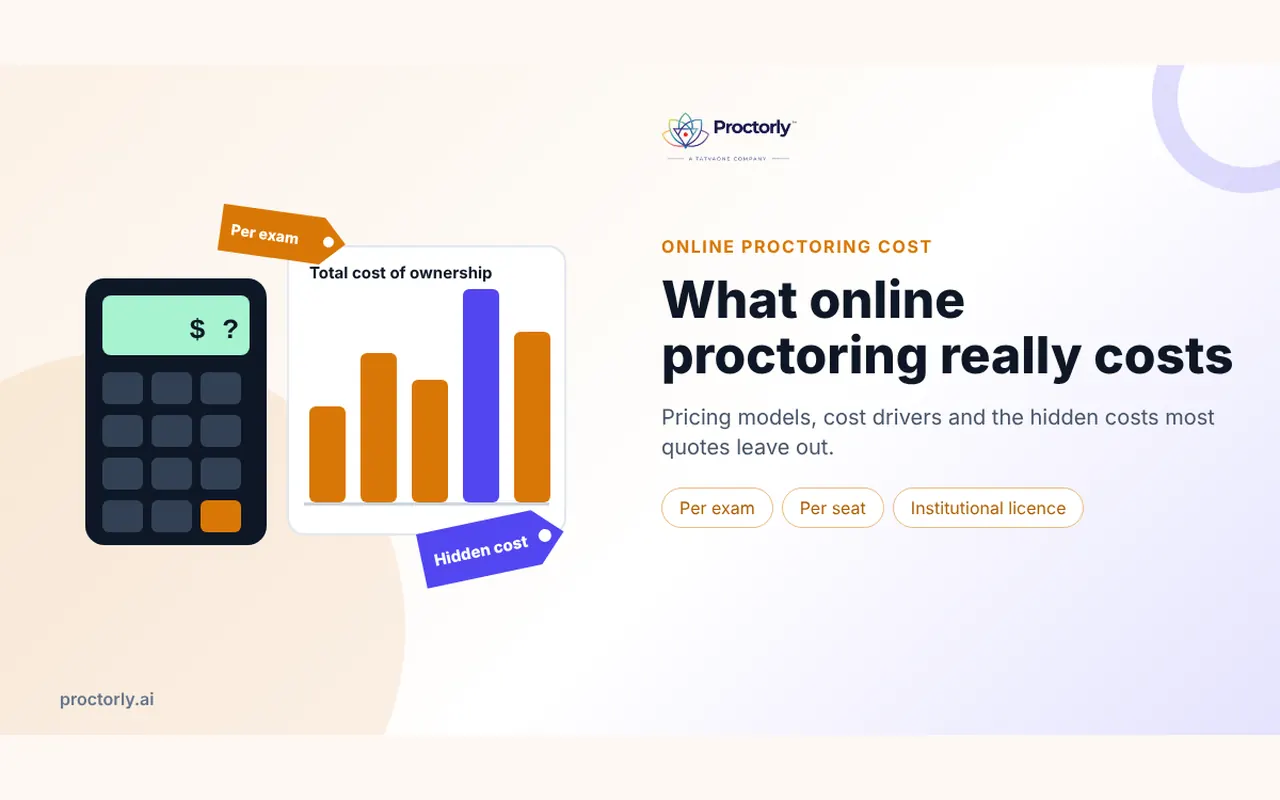
Key takeaways
- Published online proctoring prices range from a few dollars per exam for automated or review-only services to around $15-30 per exam for live proctoring, depending on duration.
- Price depends mostly on supervision level, exam length, volume and who reviews the flags.
- The cheapest per-exam price often moves cost onto your staff, who must review recordings and handle appeals.
- Compare total cost of ownership, not the sticker price.
- Match spend to stakes: light supervision for quizzes, live supervision only where it matters.
‘How much does it cost?’ is usually the first question an exam office asks about online proctoring, and the hardest to answer from vendor websites. Many vendors, Proctorly included, quote per institution because the right setup depends on your exams. That is frustrating when you need a budget number this week.
So here is a straight answer: published price ranges, what moves the price, and the costs that do not show up on a quote.
Need a budget figure for your exam calendar? Book a meeting and we will price your actual exam mix.
How much does online proctoring cost?
Online proctoring usually costs between about $4 and $30 per exam. Automated or record-and-review services sit at the low end, AI monitoring with professional human review sits in the middle, and live proctoring for long exams sits at the top. Volume, exam length and the level of supervision drive the final price.
Those ranges come from prices universities have published for their students. Louisiana State University lists $15 per exam for a live service and $4-5 per exam for review-based services (LSU Online). Scottsdale Community College published a live proctoring schedule from $8.75 for exams under 30 minutes to $30 for exams over three hours (Scottsdale CC, PDF). Prices change, so treat these as reference points rather than quotes.
The three common pricing models
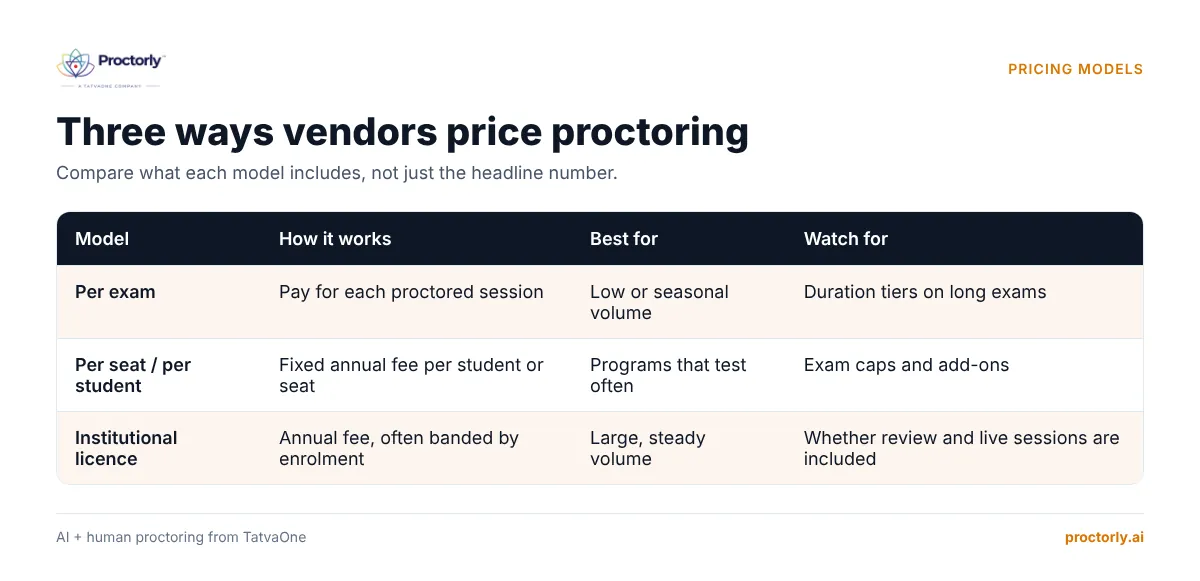
Per exam
You pay for each proctored session. Simple and predictable for low or seasonal volume. Watch for duration tiers: a three-hour exam can cost three times a one-hour exam.
Per seat or per student
A fixed fee per enrolled student or licence seat per year, with unlimited or high exam caps. Good for programs that test often, because faculty stop rationing proctored assessments.
Institutional licence
An annual fee, sometimes banded by enrolment (FTE). Best for large universities with steady volume. Check what is included: human review, live sessions and support are sometimes extras.
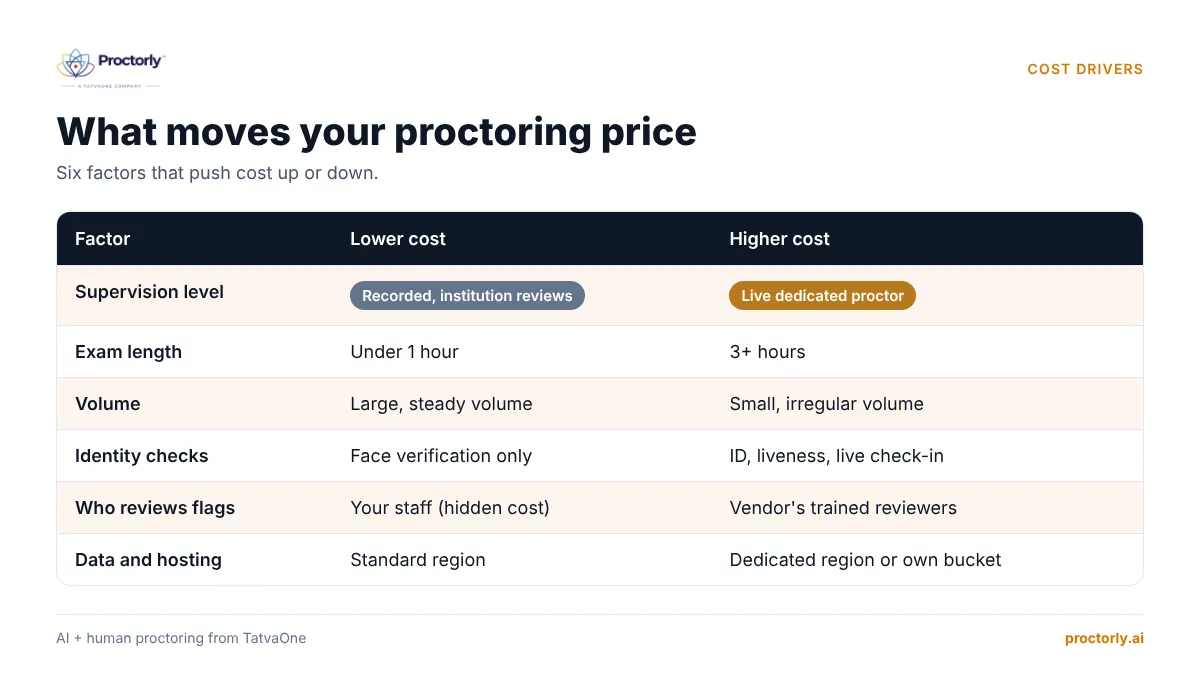
Six factors that drive your price
| Factor | Lower cost | Higher cost |
|---|---|---|
| Supervision level | Recorded, institution reviews | Live dedicated proctor |
| Exam length | Under 1 hour | 3+ hours |
| Volume | Large, steady volume | Small, irregular volume |
| Identity checks | Face verification only | ID, liveness, live check-in |
| Who reviews flags | Your staff (but see hidden costs) | Vendor’s trained reviewers |
| Data and hosting | Standard region | Dedicated region or own storage bucket |
With Proctorly you choose an assurance level per exam: Recorded, Every flag reviewed, Live pop-in or Live dedicated. That means you pay for live supervision only on exams that need it.
The hidden costs of ‘cheap’ proctoring
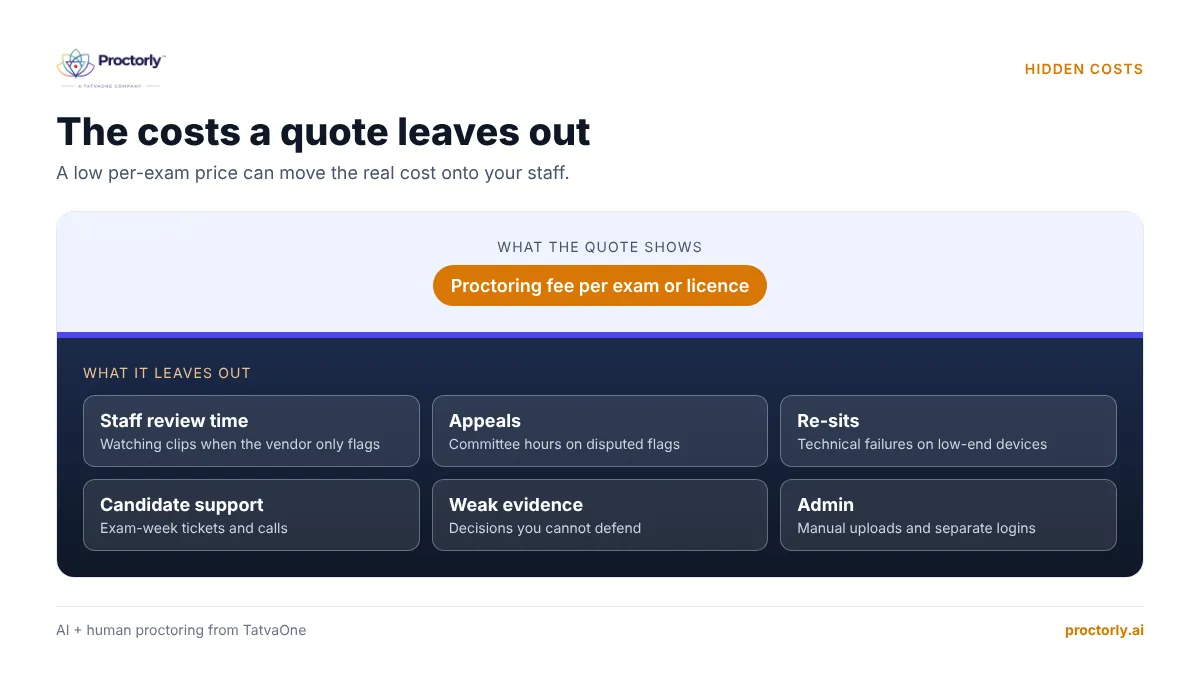
A low per-exam price can be the most expensive option once you count the work it leaves behind.
- Staff review time. If the vendor only flags, your faculty or exam office must watch the clips. At a few minutes per flag across thousands of sessions, that adds up to weeks of staff time each exam cycle.
- False flags and appeals. Unreviewed AI flags create disputes. Each appeal takes committee time and damages student trust. See why every flag needs a human decision.
- Technical failures and re-sits. Heavy software that fails on low-end laptops or weak connections leads to re-sits and support tickets.
- Weak evidence. If a decision is challenged and you cannot show clips, timeline and reasons, the cost is reputational.
- Integration and admin. Manual uploads, separate logins and spreadsheets cost time every term.
See how human review and evidence packs cut staff workload. Book a Proctorly demo.
A simple total-cost worksheet
Use this to compare quotes on equal terms. Fill in your own numbers.
| Line | How to estimate |
|---|---|
| Proctoring fees | Price per exam x exams per year (or annual licence) |
| Staff review time | Flags per exam x minutes per flag x exams x staff hourly cost |
| Appeals handling | Appeals per year x hours per appeal x committee hourly cost |
| Re-sits from tech failures | Failure rate x exams x cost of a re-sit |
| Candidate support | Tickets per exam cycle x cost per ticket |
| Setup and integration | One-off hours x cost, spread over contract term |
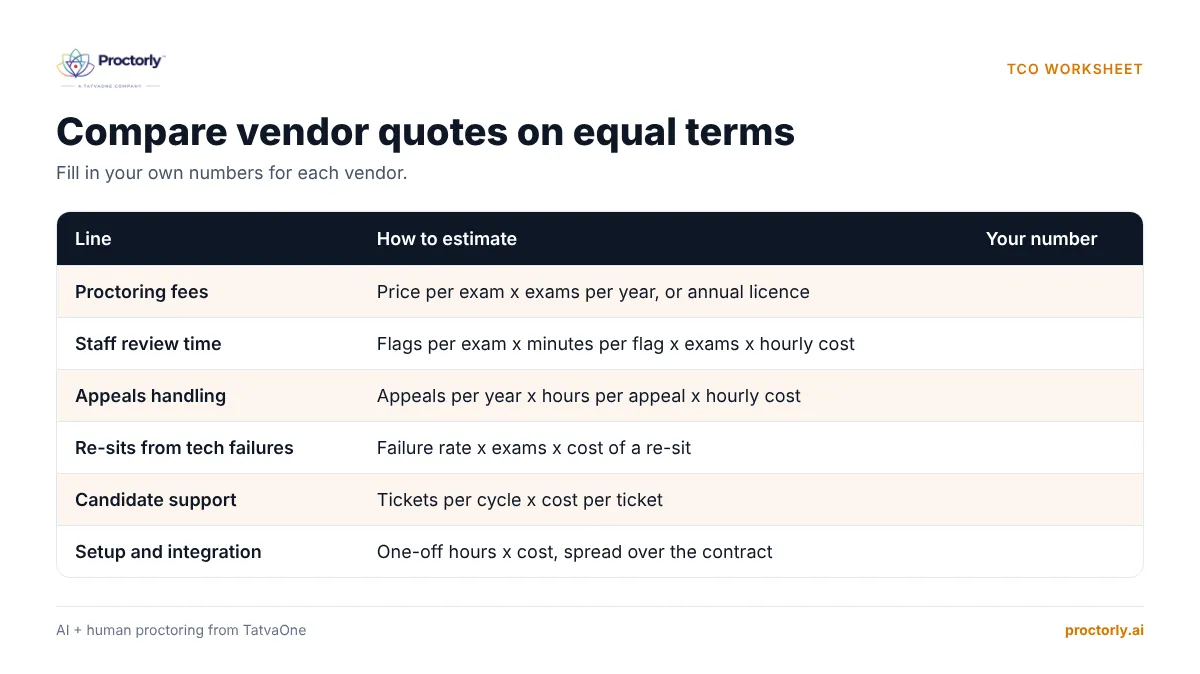
A vendor whose fee includes trained human review often wins on lines 2 and 3, even if line 1 looks higher. Proctorly’s reviewers clear 95 of every 100 flags within 5 minutes and only escalate possible incidents with a recorded reason, which keeps your committee focused on real cases (how review works).
Questions to ask every vendor about price
- Is human review of every flag included, or extra?
- How do you price exams longer than two hours?
- Are live sessions priced separately from automated ones?
- What happens to the price if volume drops below forecast?
- Are integrations (Moodle, Canvas, Blackboard) included?
- Is data hosting in our region included?
- What support hours are included during exam windows?
People also ask
Who pays for online proctoring, the student or the institution? Both models exist. Some institutions pass a per-exam fee to students; others pay centrally to keep access equal.
Is live proctoring worth the extra cost? For licensure, certification and admissions, often yes. For weekly quizzes, rarely.
Is there free online proctoring software? Free lockdown browsers exist, but they do not verify identity or provide human review.
FAQs
Why doesn’t Proctorly publish a price list?
Because most institutions mix exam types. A quote built on your actual mix of quizzes, finals and entrance exams is usually lower than a flat rate. Book a meeting for a quote.
Can we start small to control cost?
Yes. Many institutions pilot one department or one exam type first. See our planning checklist for large online exams.
Does Proctorly need an LMS, which would add cost?
No. Proctorly works without an LMS or ERP, and also integrates with Moodle through LTI 1.3.
Do we need to buy hardware for students?
No. Candidates use their own device with a camera and microphone on a 512 Kbps connection.
Get a quote built around your exams
The right proctoring budget is the one that matches spend to stakes and keeps your staff out of endless clip review. Compare total cost, not sticker price, and ask every vendor what is included.
Get your number. Book a Demo or Book a Meeting for a quote based on your exam calendar.